
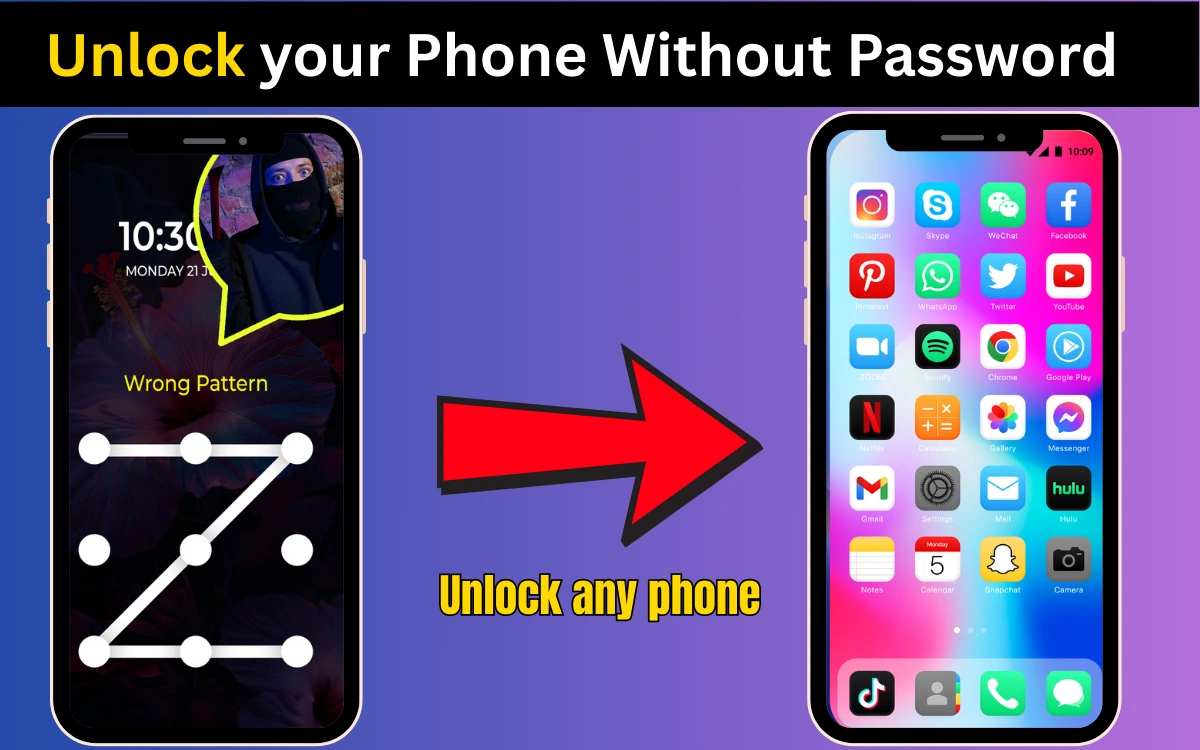
Forgetting your phone password or pattern can feel like a nightmare.
Your photos, contacts, apps, and important data are all locked inside and after a few wrong attempts, your phone might even disable itself. If you’re panicking right now, take a breath. You’re not alone, and there are legitimate ways to regain access.
In this guide, I’ll explain what actually works, step by step, for both Android and iPhone, without scams, fake apps, or illegal tricks.
First: Important Things You Must Know
Before trying anything, understand this clearly:
- These methods are meant only for phones you own
- Bypassing security on someone else’s phone is illegal
- Some methods may erase data (I’ll tell you which ones)
📌 Phone security exists to protect users there is no universal “magic unlock trick”.
If You Forgot Password on an Android Phone
Method 1: Unlock Using Google Account (Older Android Versions)
This works mainly on Android 8 and below.
Steps:
- Enter the wrong pattern/password several times
- Tap “Forgot Pattern?” or “Forgot Password?”
- Sign in with the Google account linked to the phone
- Set a new lock
✅ No data loss
❌ Not available on newer Android versions
Read Also : How to See WhatsApp Deleted Messages Online?
Method 2: Use Find My Device (Most Reliable)
This is the official Google method.
What you need:
- Google account linked to the phone
- Phone connected to the internet
Steps:
- Visit Find My Device from another phone or computer
- Sign in with your Google account
- Select your locked phone
- Choose Erase Device
⚠️ This will remove the lock and erase data.
📌 After reset, you can restore data from Google backup.
Method 3: Factory Reset Using Recovery Mode
Use this if you’re locked out completely.
Steps (may vary slightly by brand):
- Power off the phone
- Press and hold Power + Volume Up/Down
- Enter Recovery Mode
- Select Wipe data/factory reset
⚠️ Data will be erased
⚠️ You’ll still need the Google account after reset (FRP protection)
If You Forgot Password on an iPhone
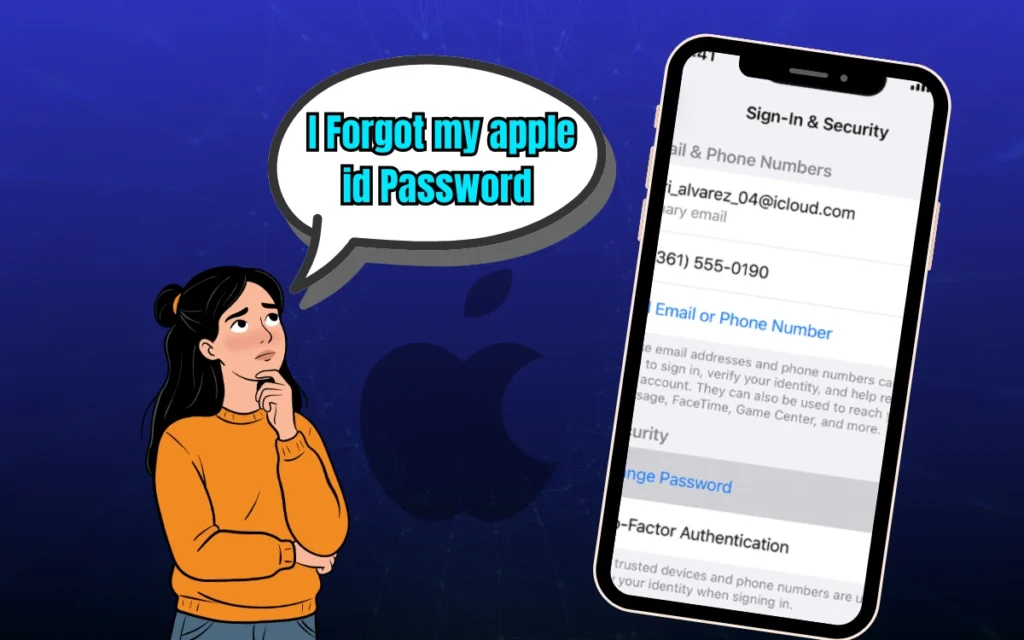
Method 1: Use Apple ID (Official & Safe)
If you entered the wrong passcode too many times, your iPhone may show “iPhone Unavailable”.
Steps:
- Tap Forgot Passcode?
- Sign in with your Apple ID
- Reset the device
⚠️ Data will be erased unless backed up to iCloud.
Method 2: Use iTunes or Finder (Computer Required)
Steps:
- Connect iPhone to a computer
- Open iTunes (Windows/macOS) or Finder (new macOS)
- Put iPhone in Recovery Mode
- Select Restore
📌 After restoring, sign in with your Apple ID to activate.
Method 3: Use iCloud “Find My” Feature
If Find My iPhone was enabled:
- Log in to iCloud
- Select your device
- Click Erase iPhone
Again, this removes the lock but erases data.
Unlock Mobile Pattern Lock

What About Third-Party Unlocking Software?
You’ll see many tools claiming:
“Unlock any phone without data loss!”
🚨 Be very careful.
Most of them:
- Don’t work as promised
- Require payment upfront
- Can steal data
- May damage your phone
- Can violate Google & Apple policies
📌 For AdSense-safe and user-safe advice, official methods are always recommended.
Read Also : How to Unlock a Password Protected PDF?
Can You Unlock a Phone Without Losing Data?
In most cases:
❌ No (especially on newer phones)
Possible only if:
- You remember Google/Apple account
- You backed up data previously
- You’re using older Android versions
Modern phones prioritize security over convenience.
How to Avoid This Problem in the Future
Here’s what smart users do:
✔ Enable cloud backup (Google Drive / iCloud)
✔ Add fingerprint or Face ID
✔ Save account recovery info
✔ Write passwords securely
✔ Don’t change lock methods too often
A few minutes of setup can save hours of stress later.
Frequently Asked Questions
Can a phone repair shop unlock my phone?
They can reset, not unlock and you’ll still need your Google or Apple ID.
Will factory reset remove Google or Apple account?
No. Factory Reset Protection (FRP) will still ask for the original account.
Can police or service centers unlock phones?
Only with proof of ownership and usually by resetting the device.
Final Thoughts: What Actually Works
✔ Official Google & Apple methods
✔ Account-based recovery
✔ Factory reset as last option
❌ Illegal hacks
❌ Fake software
❌ “No data loss” promises
Phone security is strong by design. If you own the device and follow the correct steps, you can regain access safely.
[How to Unlock Your Phone If You Forgot the Password or Pattern ?
About the Author





nice post