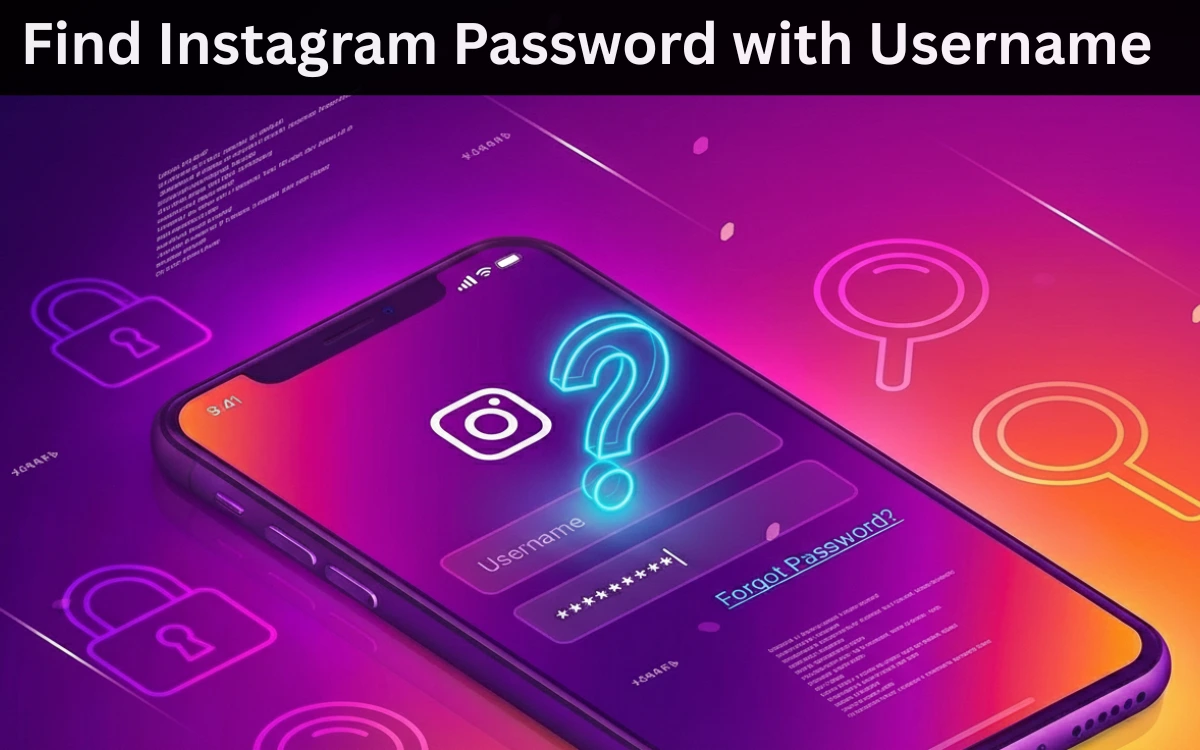
Many people search for “how to find Instagram password with username” when they’re locked out of their account or worried about account security.
Let’s be very clear from the start:
❌ There is NO legal or real way to find an Instagram password using only a username.
If someone claims otherwise, they are either lying or trying to scam you.
In this article, I’ll explain:
- Why this is not possible
- Common fake methods you should avoid
- Official and safe ways to recover your Instagram account
- How to protect your account from hacking
This is the real truth, not clickbait.
Can You Find an Instagram Password With Just a Username?
No. It is impossible.
Instagram passwords are:
- Encrypted
- Stored securely by Meta (Instagram)
- Not visible to anyone — not even Instagram employees
A username alone cannot be used to:
- View passwords
- Decode accounts
- Access private data
📌 Any website, app, or video claiming this is fake.
Read Also : How to Find an Instagram ID From a Phone Number
Why So Many Sites Claim It’s Possible?

Because people panic when:
- They forget their password
- Their account gets locked
- They think someone hacked them
Scammers exploit this fear by offering:
- “Online Instagram password finder”
- “Username to password tools”
- “Instagram hacking apps”
🚨 These are 100% scams.
Dangers of “Instagram Password Finder” Tools
Never trust tools that:
- Ask for your Instagram username
- Ask for your phone number or email
- Ask for OTP or login permission
- Show fake “loading” or “decrypting” screens
Risks include:
❌ Account hacking
❌ Data theft
❌ Malware installation
❌ Permanent Instagram ban
Google and AdSense do not allow promotion of such tools and neither should tech blogs.
Read also : How to See WhatsApp Deleted Messages Online?
The RIGHT Way: Recover Instagram Password Safely
If you forgot your password, Instagram already provides official recovery options.
Method 1: Reset Password Using Username
This is the correct and legal way.
Steps:
- Open Instagram app or website
- Tap Forgot password?
- Enter your username, email, or phone number
- Follow the reset link sent by Instagram
✔ Safe
✔ Official
✔ Works if recovery info is correct
Method 2: Recover Account If You Lost Email & Phone Access
If you no longer have access to your email or phone:
- Tap Need more help?
- Verify your identity (selfie video or ID)
- Wait for Instagram’s review
📌 This may take time, but it’s the only legitimate option.
Method 3: Check Saved Passwords (Your Own Device Only)
If you previously logged in on your phone:
- Android: Google Password Manager
- iPhone: iCloud Keychain
- Browser: Saved passwords
⚠️ This works only on your own device, not others’.

Can Hackers Really Find Instagram Passwords?
Real hacking does not work the way YouTube or blogs show.
What actually happens:
- Phishing (fake login pages)
- Social engineering
- Weak passwords reused elsewhere
📌 Strong passwords + 2FA = safety.
How to Protect Your Instagram Account
Every Instagram user should do this:
✔ Enable Two-Factor Authentication (2FA)
✔ Use a unique password
✔ Avoid third-party apps
✔ Don’t click unknown links
✔ Check login activity regularly
Security is prevention, not recovery.
Frequently Asked Questions
Can I find someone else’s Instagram password?
No. That is illegal and unethical.
Can Instagram support tell me my password?
No. They can only help you reset it.
Are online password finder websites real?
No. They are scams.
Final Answer (Straight & Honest)
✔ You cannot find an Instagram password with a username
✔ You can reset your password using official methods
❌ Any “password finder” tool is fake
❌ Using such tools can get your account banned
Account recovery is possible. Password hacking is not.