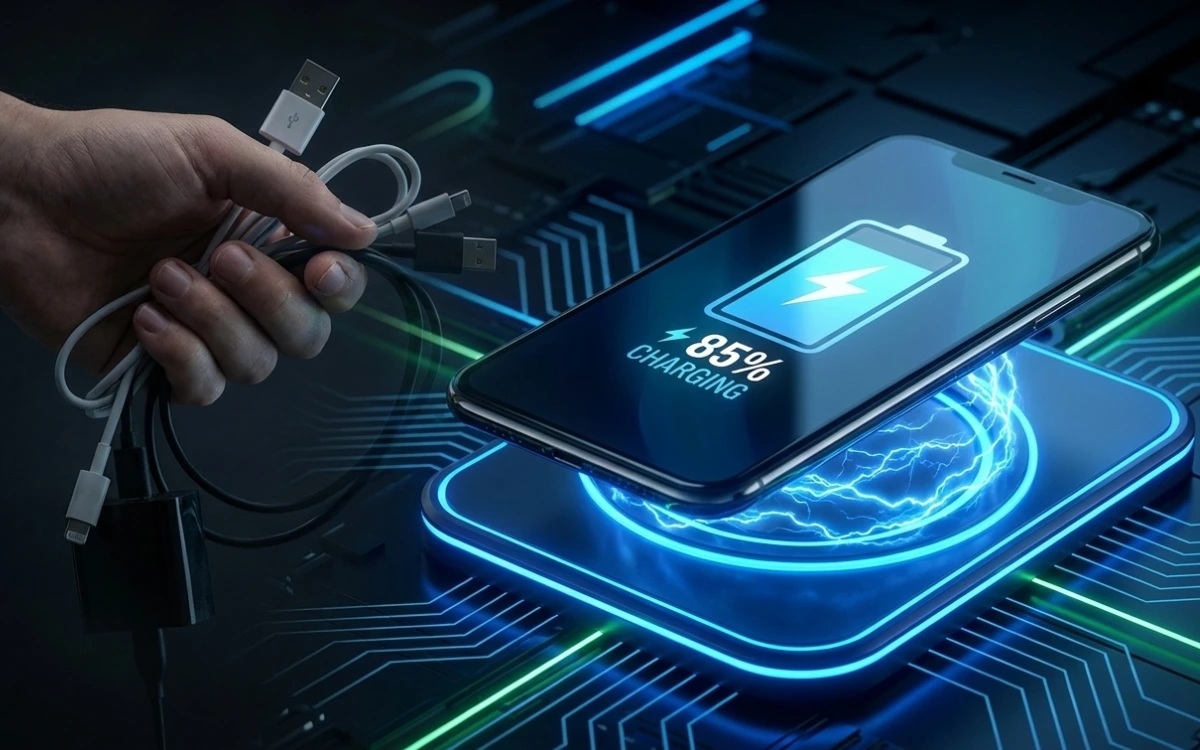
If your phone doesn’t support wireless charging, it’s completely normal to wonder:
“Can I convert my phone to wireless charging?”
Maybe you’re tired of cables.
Maybe your charging port feels loose.
Or maybe wireless charging just looks more convenient. The short answer is: Yes, in some cases but with clear limitations.
There’s a lot of misinformation online, so in this guide, I’ll explain the real situation, not the marketing hype.
You’ll learn:
- How wireless charging actually works
- Whether your phone can be converted
- Safe methods that work in real life
- What methods are fake or risky
- Whether converting is worth it for you
No myths. No dangerous hacks. Just honest answers.
How Wireless Charging Actually Works (Simple Explanation)
Wireless charging is based on Qi technology.
Here’s what happens:
- A wireless charging pad creates an electromagnetic field
- A receiver coil inside the phone captures this energy
- The phone converts it into electrical power to charge the battery
Phones that support wireless charging from the factory already have:
✔ A built-in receiver coil
✔ Compatible internal hardware
If your phone doesn’t have this hardware, software alone cannot add it.
However, there are external workarounds and that’s where conversion becomes possible.
Can You Convert a Non-Wireless Phone to Wireless Charging?
Clear answer:
✅ Yes — using a wireless charging adapter
❌ No — using apps, software, or settings
There is no app, update, or hidden feature that magically enables wireless charging.
Any website claiming that is misleading you. [ Can I Convert My Phone to Wireless Charging? ]
Method 1: Use a Wireless Charging Adapter (Most Practical Option)
This is the only realistic and safe method for most users.
What Is a Wireless Charging Adapter?
It’s a thin Qi wireless charging receiver that:
- Plugs into your phone’s charging port (USB-C, Micro-USB, or Lightning)
- Sits flat under your phone case
- Acts as an external receiver coil
How to Use It
- Buy a Qi adapter compatible with your phone’s port
- Plug it into the charging port
- Place the flat coil under the phone case
- Put your phone on a Qi wireless charging pad
Pros
✔ Works on many Android phones and older iPhones
✔ No phone disassembly
✔ Affordable compared to buying a new phone
Cons
⚠️ Slower than built-in wireless charging
⚠️ Charging port stays occupied
⚠️ Slight heat buildup
📌 This method is a workaround, not true built-in wireless charging.
Method 2: Wireless Charging Case (Limited & Costly)
Some brands offer phone cases with built-in wireless charging coils.
Pros
✔ Cleaner setup
✔ No loose adapters
Cons
❌ Expensive
❌ Very limited phone models
❌ Adds noticeable bulk
This option is less common and usually not worth the cost for older phones.
Methods That Do NOT Work (Avoid These Completely)
Be careful many unsafe ideas circulate online.
❌ Apps claiming “enable wireless charging”
❌ Software or system tricks
❌ DIY coil installations
❌ Opening or modifying phone hardware
These methods can:
- Damage internal components
- Void your warranty
- Cause overheating
- Reduce battery life
📌 Wireless charging requires physical hardware, not software.
Is Wireless Charging Conversion Safe?
Mostly safe — if done correctly.
Safe If:
✔ You use certified Qi adapters
✔ You don’t open the phone
✔ You avoid cheap, uncertified products
Possible Risks:
- Slower charging speed
- Extra heat generation
- Wear on the charging port
- Reduced phone usability while charging
If heat becomes noticeable, stop using it.
Is It Worth Converting Your Phone to Wireless Charging?
Convert if:
✔ Your phone works perfectly otherwise
✔ You want basic cable-free convenience
✔ You’re okay with slower charging speeds
Don’t convert if:
❌ You rely on fast charging
❌ Your phone already supports wireless charging
❌ You frequently use your phone while charging
Sometimes, convenience comes with compromises.
Better Alternatives to Consider
Before converting, think about these options:
- Magnetic charging cables
- High-quality fast wired chargers
- Upgrading to a phone with built-in wireless charging
In many cases, a good cable is still faster and safer.
Frequently Asked Questions
Can iPhones without wireless charging be converted?
Older iPhones can use Qi adapters, but newer models already support wireless charging natively.
Does wireless charging damage the battery?
No, if used properly but excessive heat can shorten battery life.
Will wireless charging work with phone covers?
Yes, but thick or metal cases may reduce charging efficiency.
Final Verdict (Honest & Simple)
✔ You can convert your phone using a wireless charging adapter
❌ You cannot add true built-in wireless charging
✔ It offers convenience, but slower performance
Wireless charging conversion is a temporary workaround, not a replacement for native support.
If convenience matters more than speed, it can be worth trying.
If not, sticking to wired charging is often the smarter choice.
Recommended Guides
If you found this article helpful, you may also want to read:
- How to Unlock Your Phone If You Forgot the Password or Pattern?
Learn safe methods to regain access to your device without risking data loss. - How to Find an Instagram ID From a Phone Number
Understand ethical and working ways to identify Instagram accounts. - How to See WhatsApp Deleted Messages Online?
A clear explanation of what actually works and which online tools are fake.