If you’ve ever saved someone’s phone number and later wondered “How to Find an Instagram ID From a Phone Number?”, you’re not alone.
Many people search for this because:
- They lost contact with someone
- They want to reconnect with a friend
- They want to verify a real profile
- Or they’re just curious
The good news? Yes, it is possible but only in specific, ethical ways.
In this guide, I’ll show you what actually works, what doesn’t, and important privacy rules you must know before trying.
Let’s get started.
Can You Really Find an Instagram ID Using a Phone Number?
Short answer: Sometimes.
Instagram does not allow public searching by phone number. However, if:
- The phone number is connected to an Instagram account, and
- The user hasn’t hidden their discoverability
Then Instagram may suggest that profile to you.
⚠️ Important: There is no legal or official way to directly search Instagram by phone number like Google.
Read Also :How to Find Instagram Password With Username?
Method 1: Use Instagram’s Contact Sync Feature (Most Effective)
This is the only method officially supported by Instagram.
Steps:
- Save the phone number in your phone contacts
- Open Instagram app
- Go to Profile → Menu (☰) → Settings & privacy
- Tap Accounts Center → Your information and permissions
- Enable Contacts syncing
- Wait a few minutes, then go to Suggested for you
If the person:
- Used that phone number to sign up
- Allowed contact discovery
➡️ Their Instagram profile may appear in suggestions.
✅ Works best for real contacts
❌ Won’t work if the user disabled contact sync
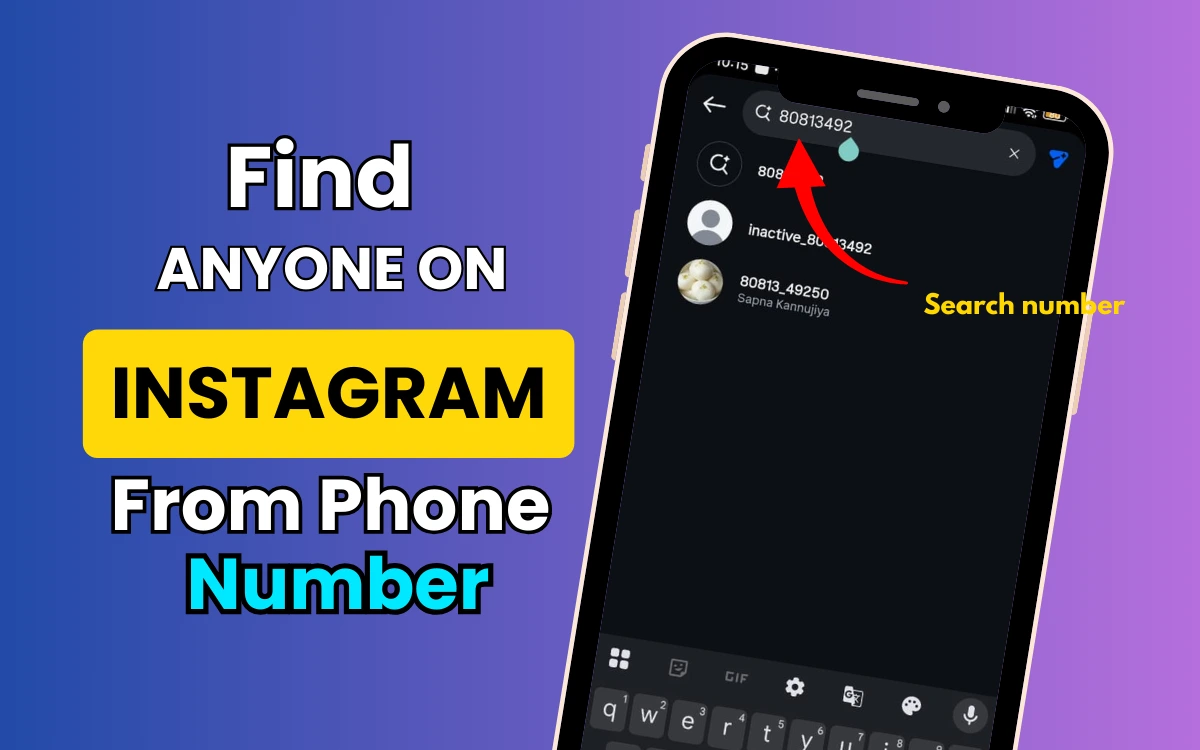
Method 2: Search the Number Directly on Instagram (Low Success Rate)
Sometimes people add their phone number to:
- Bio
- Business contact button
Try this:
- Open Instagram
- Paste the phone number in the search bar
- Try different formats:
- With country code
- Without spaces
- Without symbols
📌 This works mostly for business or public accounts.

Method 3: Use Google Search (Underrated but Useful)
Google sometimes indexes public Instagram data.
Try searching like this:
"phone number" site:instagram.com
Or:
"phone number" Instagram
If the number is publicly visible anywhere on Instagram, Google may show the profile.
Method 4: Facebook Account Connection Trick
Instagram and Facebook are connected under Meta.
If:
- The phone number is linked to a Facebook account
- That Facebook account is linked to Instagram
Then Instagram may suggest the profile once you:
- Follow mutual friends
- Interact with related content
📌 This method is indirect but occasionally works.
Read Also : How to Unlock Your Phone If You Forgot the Password or Pattern ?
What About Third-Party Apps or Websites?
You’ll find many tools claiming:
“Find Instagram ID by phone number instantly!”
🚨 Avoid them.
Why?
- Most are fake
- Many steal data
- Some violate Instagram policies
- Risk of account ban or hacking
[How to Find an Instagram ID From a Phone Number
Why Instagram Doesn’t Allow Direct Phone Number Search
Instagram prioritizes user privacy.
Allowing direct phone-number searches would:
- Enable stalking
- Violate privacy laws
- Increase spam
That’s why discovery works only through permissions and suggestions, not open search.
Legal & Ethical Things You Must Know
Before trying any method:
- Only search for people you know
- Never use scraped or leaked databases
- Don’t harass or stalk users
📌 Ethical usage keeps your account safe and your intentions clean.
“`html

Frequently Asked Questions
Can I find a private Instagram account using a phone number?
No. If the account is private and discovery is disabled, it’s not possible.
Does Instagram notify users when contacts are synced?
No, but users can disable contact syncing anytime.
Can I find someone’s Instagram using WhatsApp contacts?
Indirectly, yes if WhatsApp contacts sync with your phone and Instagram contact syncing is enabled.
Final Verdict: What Actually Works?
✔ Instagram contact sync
✔ Public search (limited cases)
✔ Google indexing (rare)
❌ Direct phone number search
❌ Third-party tools
If someone wants to be found, Instagram will suggest them.
If they don’t privacy wins.