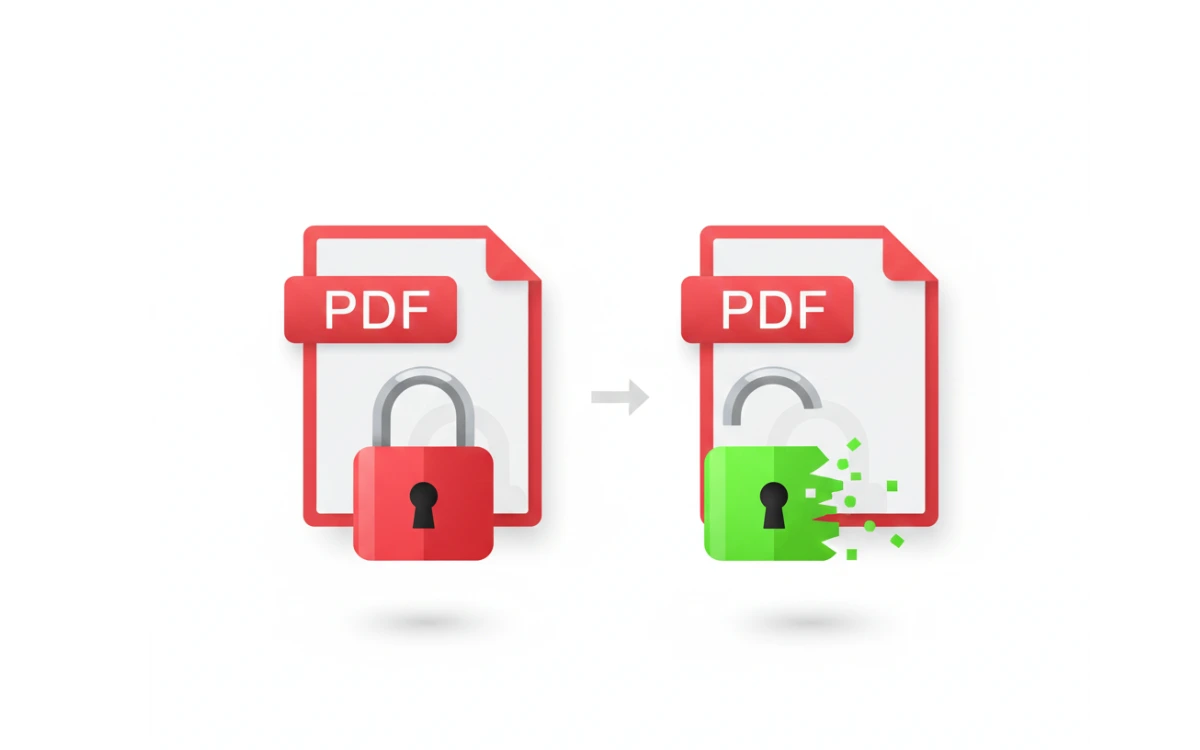
Opening a password-protected PDF can be frustrating especially when the file contains important documents like bills, notes, or official forms.
So people naturally search for:
“how to unlock password protected pdf?”
But before trying random tools, it’s important to understand what is possible, what is legal, and what actually works.
In this guide, you’ll learn:
- When a PDF can be unlocked
- Safe methods that actually work
- Fake tools you must avoid
- Best practices to protect your files
No fake promises. Just real solutions.
First: Is It Legal to Unlock a Password Protected PDF?
✔ Yes, if:
- You own the PDF
- You created the file
- You have permission from the owner
- You forgot your own password
❌ No, if:
- You’re trying to access someone else’s private document
- You don’t have permission
📌 This article only covers legal and ethical methods.
Types of PDF Password Protection (Important)
Understanding this helps avoid confusion.
1️⃣ PDF With “Restriction Password”
- Allows opening
- Restricts printing, copying, editing
✅ Easy to remove (if you have access)
2️⃣ PDF With “Open Password”
- File won’t open without password
⚠️ Harder to unlock
⚠️ Requires correct password or authorized recovery

Method 1: Unlock PDF Using the Correct Password (Best Case)
If you:
- Remember part of the password
- Used common variations
- Created the PDF yourself
Try:
- Capital/lowercase variations
- Old passwords you commonly use
📌 Many people forget passwords due to caps lock or symbols.
Method 2: Use Google Chrome (For Restricted PDFs)
Works only if the PDF opens but restricts actions.
Steps:
- Open the PDF in Google Chrome
- Press Ctrl + P
- Select Save as PDF
- Save the file
✅ Removes printing/copy restrictions
❌ Does not work for fully locked PDFs
Method 3: Use Adobe Acrobat (Official & Safe)
If you know the password:
- Open PDF in Adobe Acrobat
- Go to File → Properties → Security
- Remove password
- Save the file
📌 This is the most trusted method.
Method 4: Online PDF Unlock Tools (Use Carefully)
Some online tools work only if you enter the correct password.
⚠️ Important safety rules:
- Never upload sensitive documents (ID, bank, legal)
- Use HTTPS websites
- Avoid sites asking for signup or payment first
📌 Online tools cannot magically crack passwords.
Method 5: Re-Download or Request the File Again
Often overlooked but very effective.
✔ Ask the sender for:
- An unlocked version
- The password
- A new PDF
This avoids all security risks.
What About “PDF Password Cracker” Software?
🚨 Be very careful.
Most tools claiming:
“Unlock PDF without password instantly”
Are:
- Fake
- Malware-infected
- Data-stealing
- Adware-based
❌ They can harm your device
❌ They can leak your documents
Can You Unlock a PDF Without Password?
Honest answer:
- Restricted PDF: Sometimes
- Fully locked PDF: ❌ No (without password or permission)
Strong encryption exists for a reason.
How to Avoid PDF Password Issues in the Future
Smart habits:
✔ Save passwords securely
✔ Use password managers
✔ Label important PDFs
✔ Keep backup copies
✔ Avoid over-restricting your own files
Frequently Asked Questions
Can Google unlock a password protected PDF?
No. Google respects file encryption.
Can mobile apps unlock PDFs?
Only if you already know the password.
Will converting PDF remove password?
Only for restricted PDFs not fully locked ones.
Final Verdict (Clear & Honest)
✔ You can unlock PDFs you own or have permission for
✔ Chrome & Adobe work for limited cases
❌ No tool can magically crack strong passwords
❌ Illegal unlocking is unsafe and unethical
Security protects data not blocks users unfairly. [How to Unlock a Password Protected PDF?
Recommended Guides
If you found this article helpful, you may also want to read:
- How to Unlock Your Phone If You Forgot the Password or Pattern?
Learn safe methods to regain access to your device without risking data loss. - How to Find an Instagram ID From a Phone Number
Understand ethical and working ways to identify Instagram accounts. - How to See WhatsApp Deleted Messages Online?
A clear explanation of what actually works and which online tools are fake.